In the highly competitive landscape of the US mobile phone market, creating a store that stands out requires a blend of functionality, aesthetics, and a strong technological edge. A store equipped with a long counter, dedicated mobile phone displays, and mobile phone accessory display cabinets have the potential to offer a unique and engaging shopping experience. The following five-step approach will help in designing such a tech-friendly mobile phone store.
Step 1: Strategic Store Layout
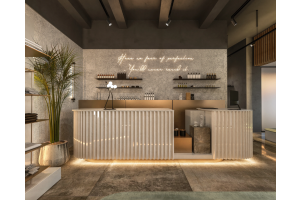
- The foundation of a successful mobile phone store design lies in its layout. The long counter should be positioned as a central feature, preferably along one of the longer walls of the store. This counter can serve multiple purposes, including customer service, transactions, and product demonstrations.
- Near the entrance, create an open and unobstructed space to welcome customers. The rest of the store should be divided into distinct zones. Designate a spacious area for mobile phone displays away from the counter, where customers can freely explore different models.
- Ensure that wide aisles are incorporated throughout the store to facilitate smooth customer movement. The layout should also consider the flow of traffic, guiding customers from the entrance to the various product zones and eventually to the long counter for check-out.
Step 2: Mobile Phone Cabinet Display Design
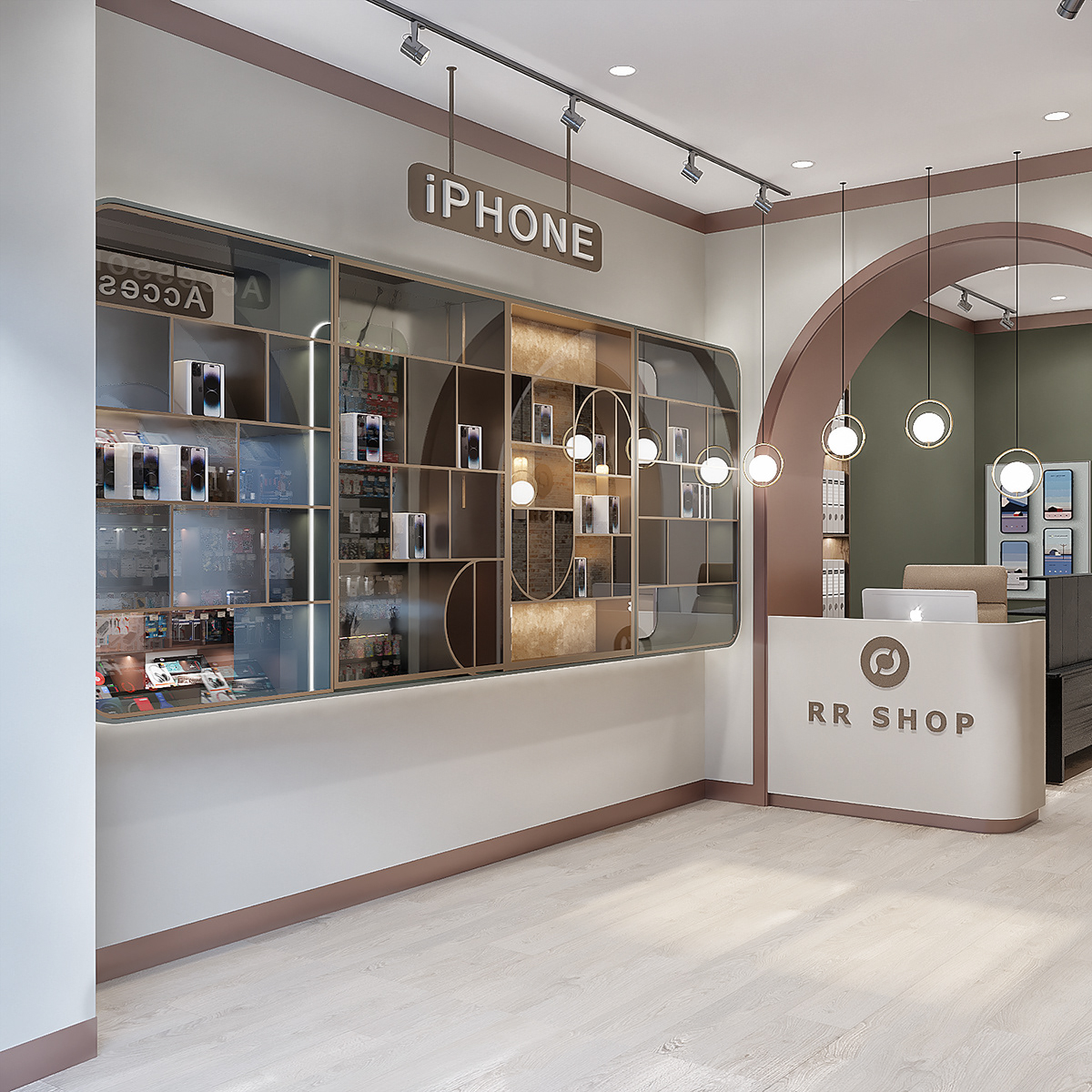
- The mobile phone cabinets are the showcase for the store's main products. These displays should be designed to highlight the features and design of the mobile phones. Use high-quality materials such as tempered glass and sleek metal frames for the cabinets.
- The glass will allow customers to have a clear view of the phones from all angles, while the metal frames add a modern and durable touch. Inside the cabinets, install adjustable shelves and stands to accommodate different phone models and sizes. Lighting is crucial in these displays.
- Incorporate LED lights, either around the edges or beneath the shelves, to illuminate the phones and make them more visually appealing. Arrange the phones in an organized manner, grouping them by brand, model, or feature category. Add small digital screens or labels next to each phone to display key information such as specifications, prices, and customer reviews. This will help customers make informed decisions without having to constantly seek assistance from staff.
Step 3: Mobile Phone Accessory Display Design
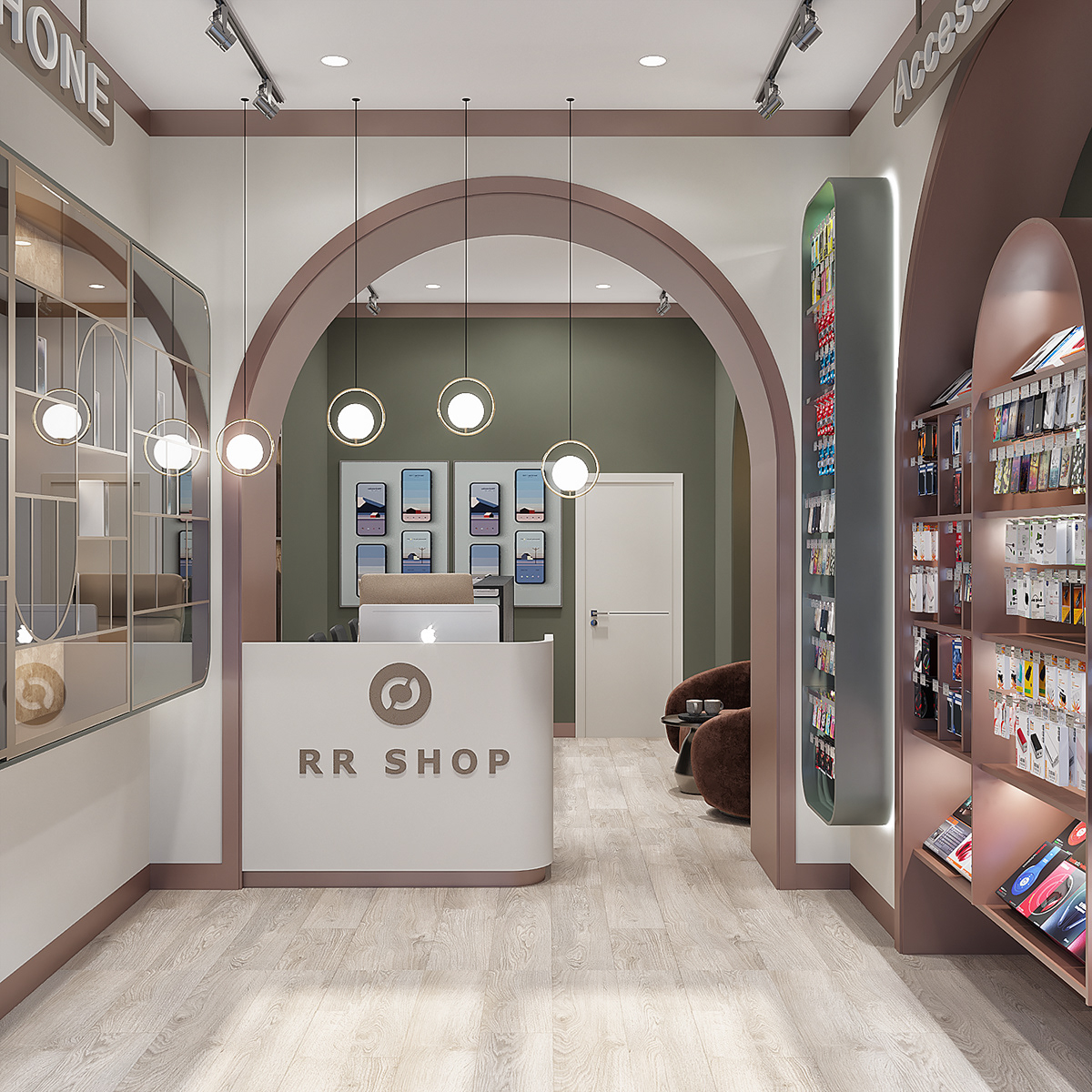
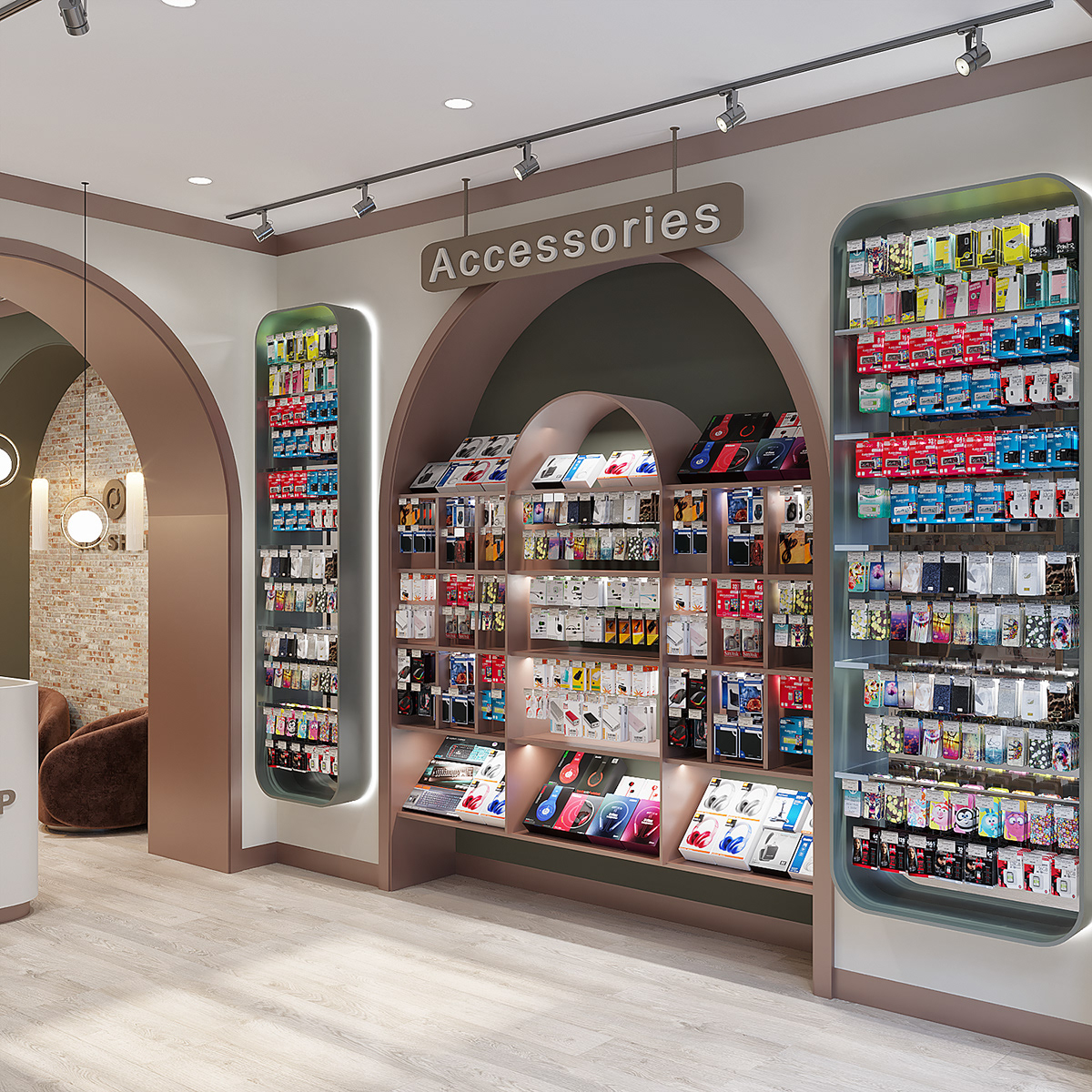
- The mobile phone accessory display cabinets should be designed to complement the overall store aesthetic while also being highly functional. Use a combination of open-shelf and enclosed display cases. Open-shelf displays are ideal for items like phone cases, which customers can easily pick up and examine.
- Enclosed cases can be used for more valuable or delicate accessories, such as high-end headphones or smartwatches. Organize the accessories by type and brand. For phone cases, group them by phone model compatibility, style (e.g., slim, rugged, designer), and material. Chargers can be arranged by charging type (e.g., wireless, USB-C, micro-USB) and power output. Headphones can be displayed based on their connectivity (wired or wireless), sound quality, and additional features like noise cancellation.
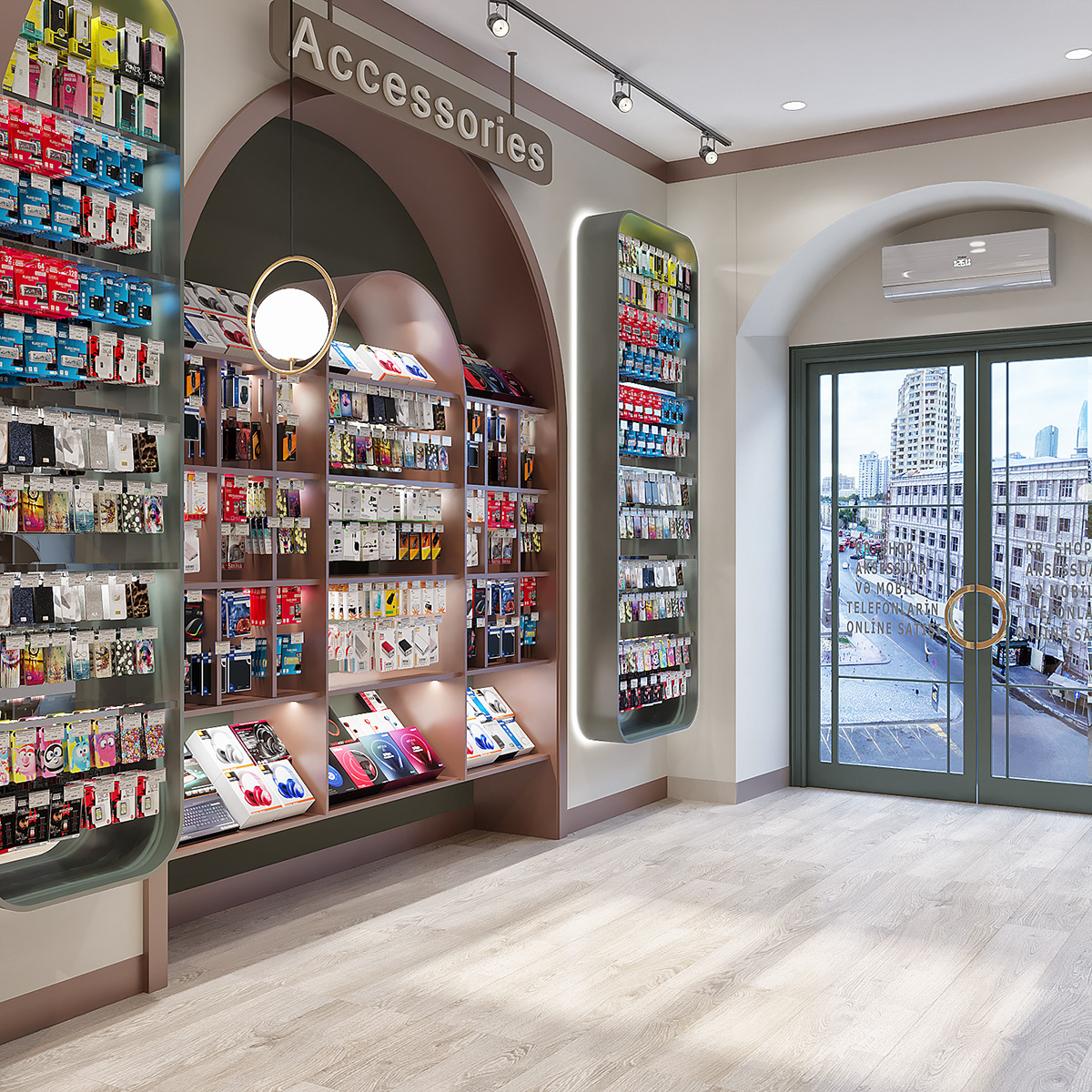
- Use color - coding and clear signage to make it easy for customers to navigate the accessory displays. For instance, use different colored tags to indicate different price ranges or new arrivals. Interactive elements, such as a station where customers can test out headphones or chargers, can also be added to enhance the shopping experience.
Step 4: Incorporating Tech - Driven Features
- To truly create a tech-forward store, integrate various technological features. Install high-speed Wi-Fi throughout the store, enabling customers to test the mobile devices' internet capabilities, access product information online, and share their experiences on social media. Digital signage is another essential element.
- Place large digital screens at key locations, such as near the entrance, above the long counter, and in the accessory display area. These screens can display product promotions, new arrivals, and how-to guides for using different mobile devices and accessories.
- Consider implementing beacon technology. Beacons can send personalized notifications to customers' smartphones as they move around the store, providing information about nearby products, special offers, or product recommendations based on their browsing history.
Step 5: Creating a Tech-Savvy Ambiance
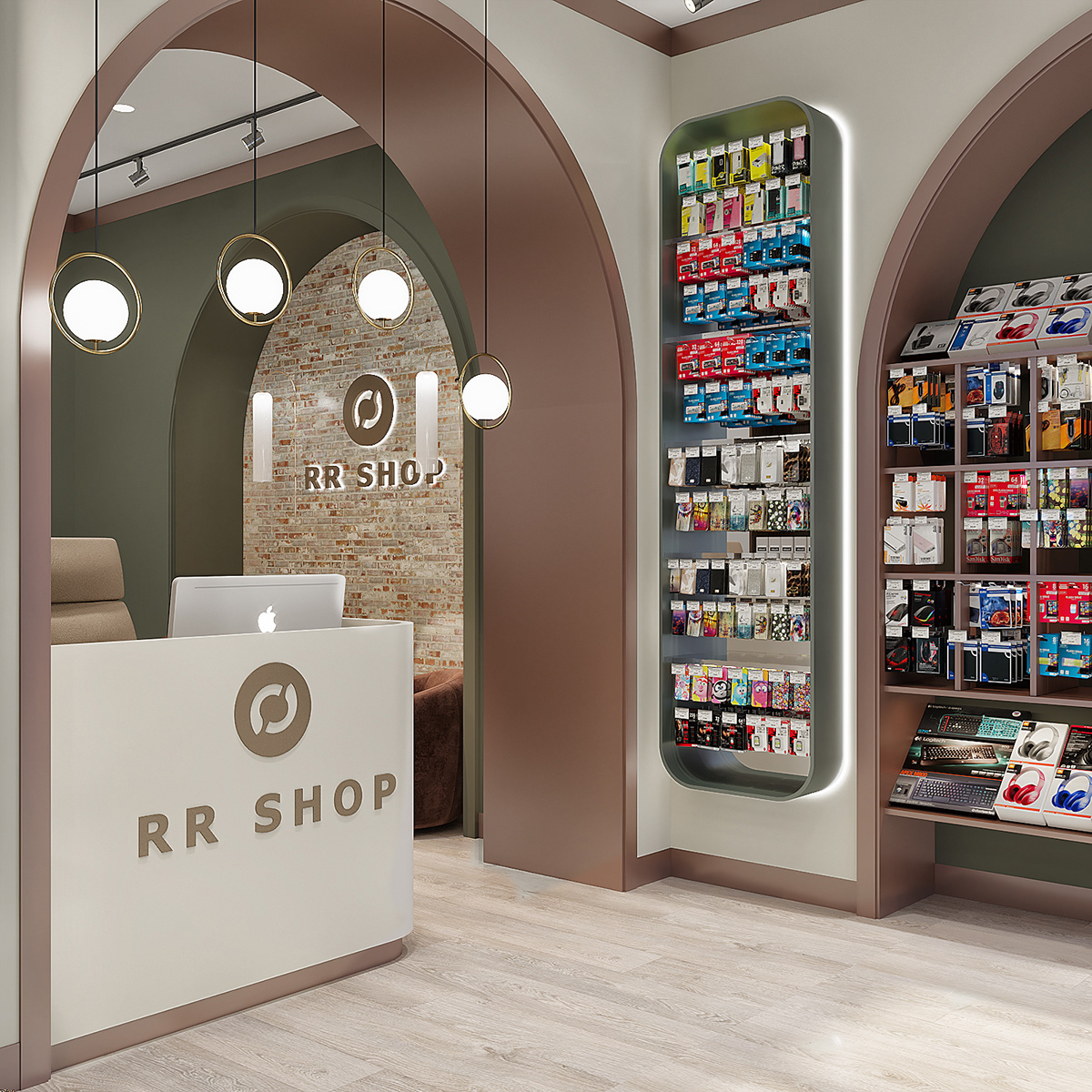
- The overall ambiance of the store should reflect its tech-forward nature. Use a modern color scheme, such as neutral tones with accents of metallic or neon colors, to create a contemporary look. The lighting should be a combination of ambient, task, and accent lighting to create a dynamic and inviting atmosphere.
- Furnish the store with modern and ergonomic furniture, such as sleek stools near the long counter and comfortable seating in the rest area. Incorporate elements like digital art or tech-inspired decor to enhance the store's tech-savvy vibe.
- By following these five steps, a mobile phone store in the United States can be transformed into a tech-forward destination that not only attracts customers but also provides them with an immersive and satisfying shopping experience.