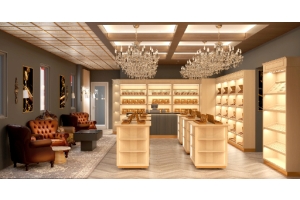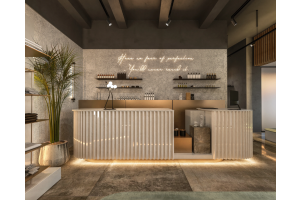
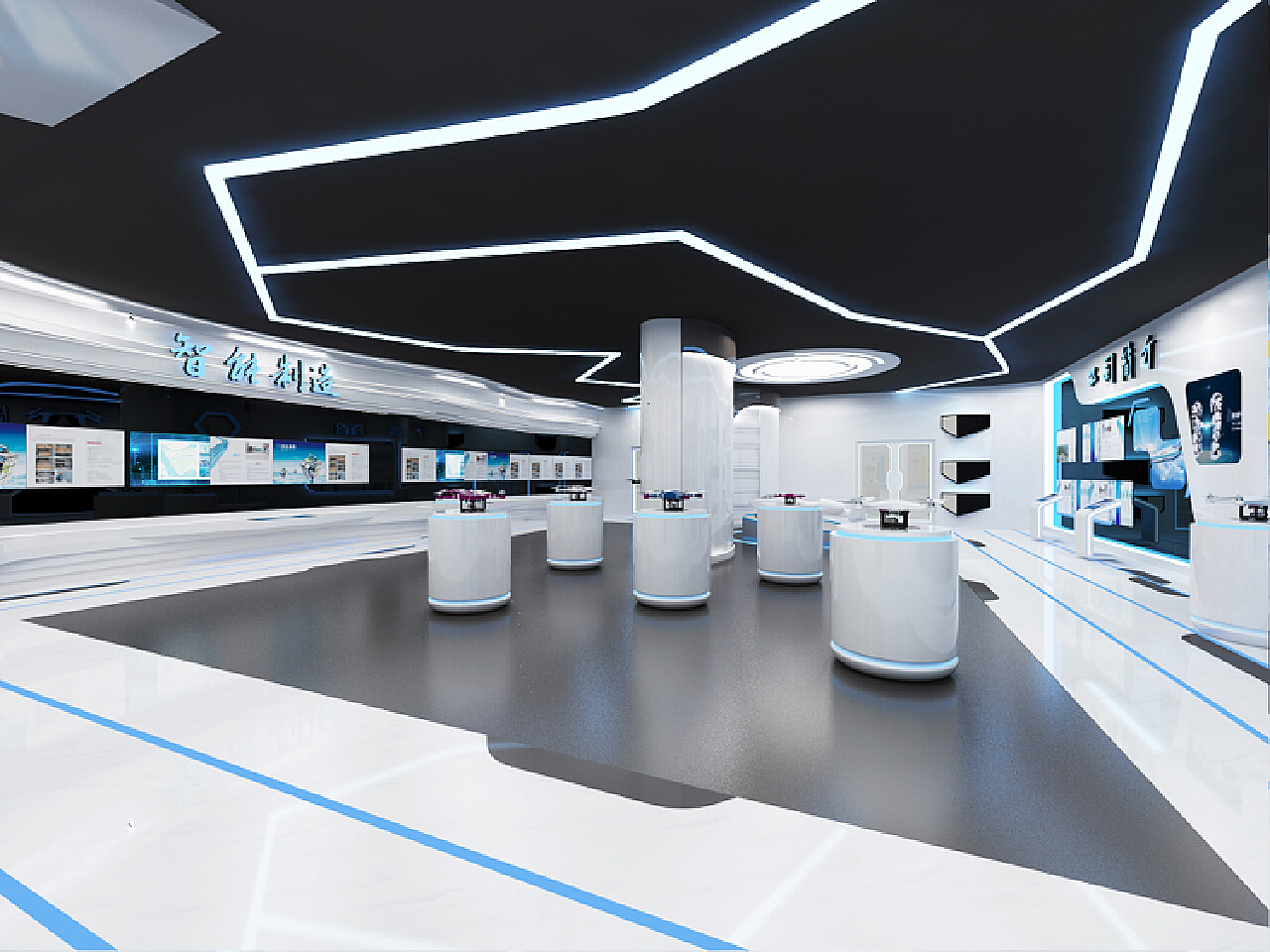
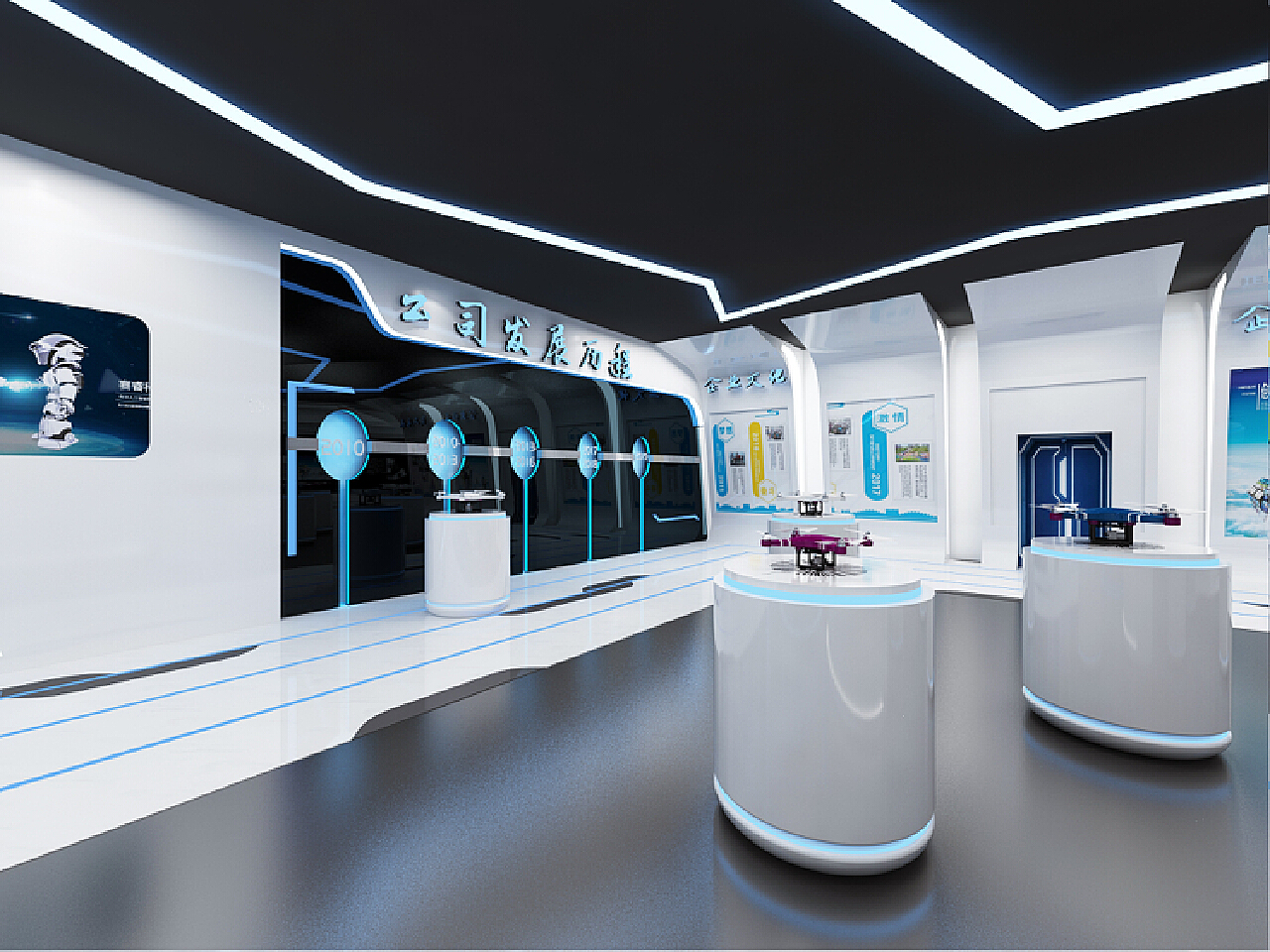
The following is a blue tech-style drone store design, which aims to create a technological and eye-catching shopping environment through the use of colors, spatial layout and unique decorative elements.
Store Exterior Design
1. Overall Color Tone
The overall color tone of the store is light blue, with dark blue as the auxiliary color, creating a deep and refreshing visual effect. The main building material is a metallic blue aluminum plate with a delicate texture on the surface. It can reflect a unique luster in the sun, highlighting the technological texture.
The glass part uses ultra-clear glass to ensure the transparency of the store. At the same time, a light blue gradient film is attached to the glass surface, showing a mysterious layering from the outside to the inside.
2. Logo
The three-dimensional luminous characters are used. The font is simple and modern. The color is bright white. The dark blue light is used behind to set off the sign, making the sign particularly eye-catching during the day and at night. A blue electronic display screen can be set under the sign to loop the wonderful flight video of the drone, new product recommendations, and in-store discounts and other information to attract the attention of passers-by. Two large drone models are placed on both sides of the door. The models are illuminated by blue lights, as if they are preparing to take off, creating a technological atmosphere and guiding customers into the store.
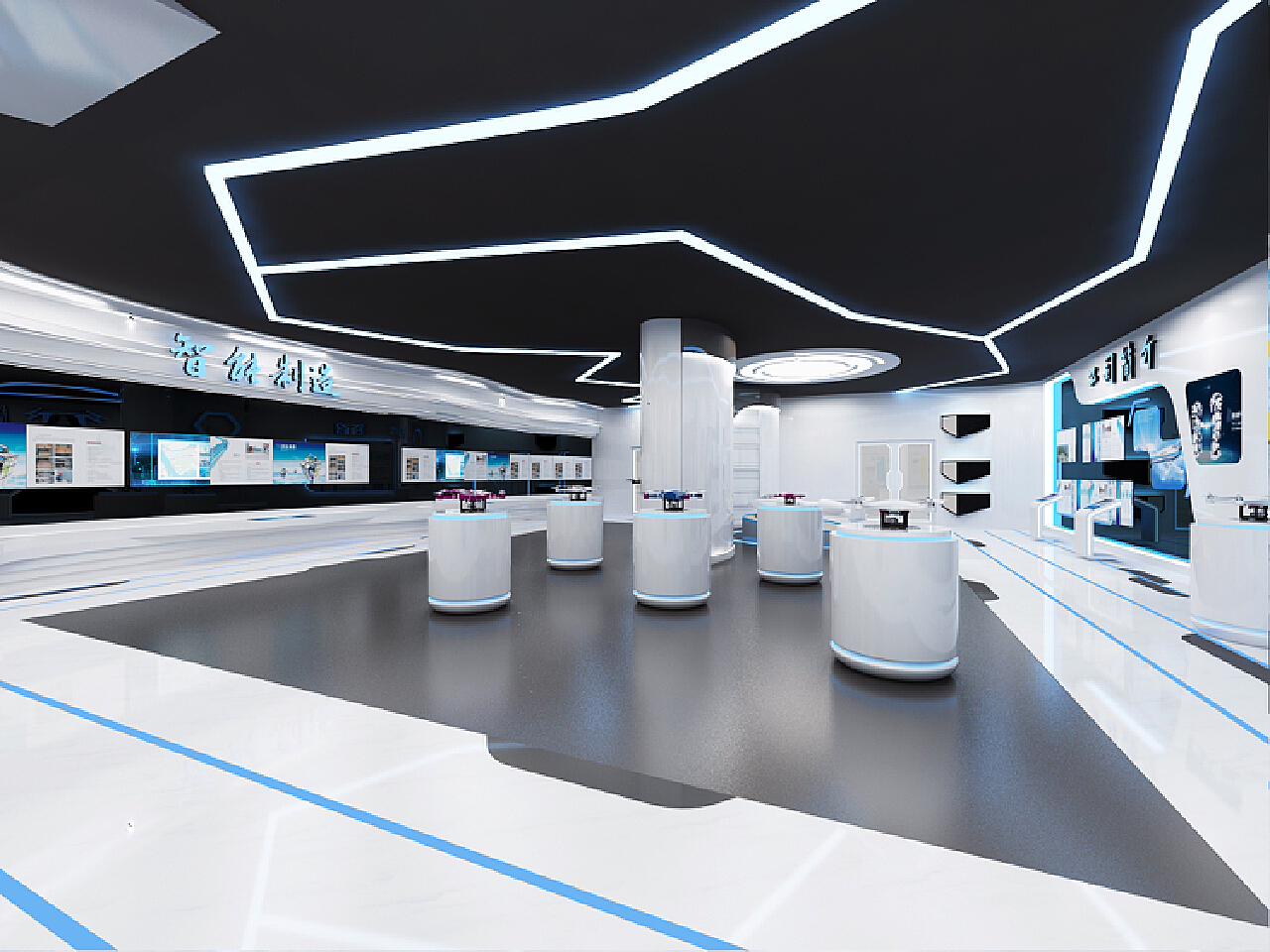
Overall Layout of The Store
Display and Sales Area:
This is the core area of the store, mainly used to display various types of drones, accessories and related peripheral products. They are reasonably classified and placed according to different brands, functions, prices and other factors, so that customers can quickly find the products they are interested in.
Experience Area:
It is set in a relatively open space, allowing customers to experience the operation of drones in person, including flight simulation experience and real machine test flight (equipped with complete safety protection measures), to enhance customers' intuitive feeling of drone performance.
Relax Area:
It is arranged in a corner, with comfortable blue sofas and coffee tables, providing customers with a place to rest, communicate and gain in-depth understanding of product information. At the same time, it can also display some beautiful pictures or videos taken by drones to show their application value.
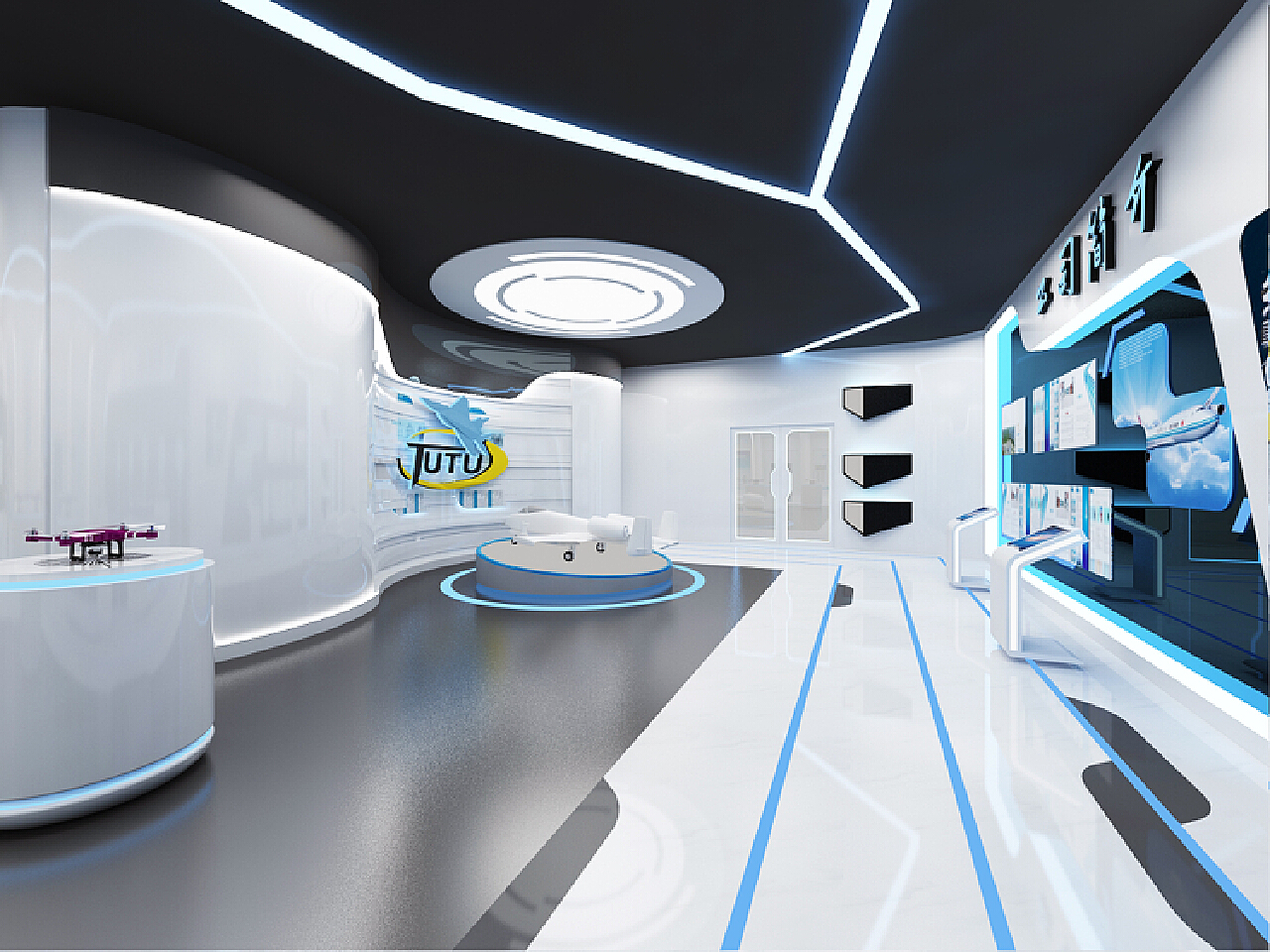
Drone Display Area
The display stand is designed to be suspended. The base material is MDF, and the surface is painted smooth white. Blue light strips are installed above and below the table, and the light shines upward, creating an effect that the product seems to be suspended in the air and surrounded by technological blue light, highlighting the key products. A drone is placed on each booth, allowing customers to carefully view each drone.
Product Display Method
When displaying the real machine, in addition to the regular placement, some drones can be suspended in the air with transparent fishing lines to make them appear in a flying posture, and then matched with blue spotlights from different angles to fully display the appearance and details of the drone. For each drone, it is equipped with an electronic tag. When the customer approaches, the tag automatically lights up and displays detailed information about the product, such as model, features, price, etc. At the same time, more product pictures, flight videos, and user reviews can be viewed through touch operations.
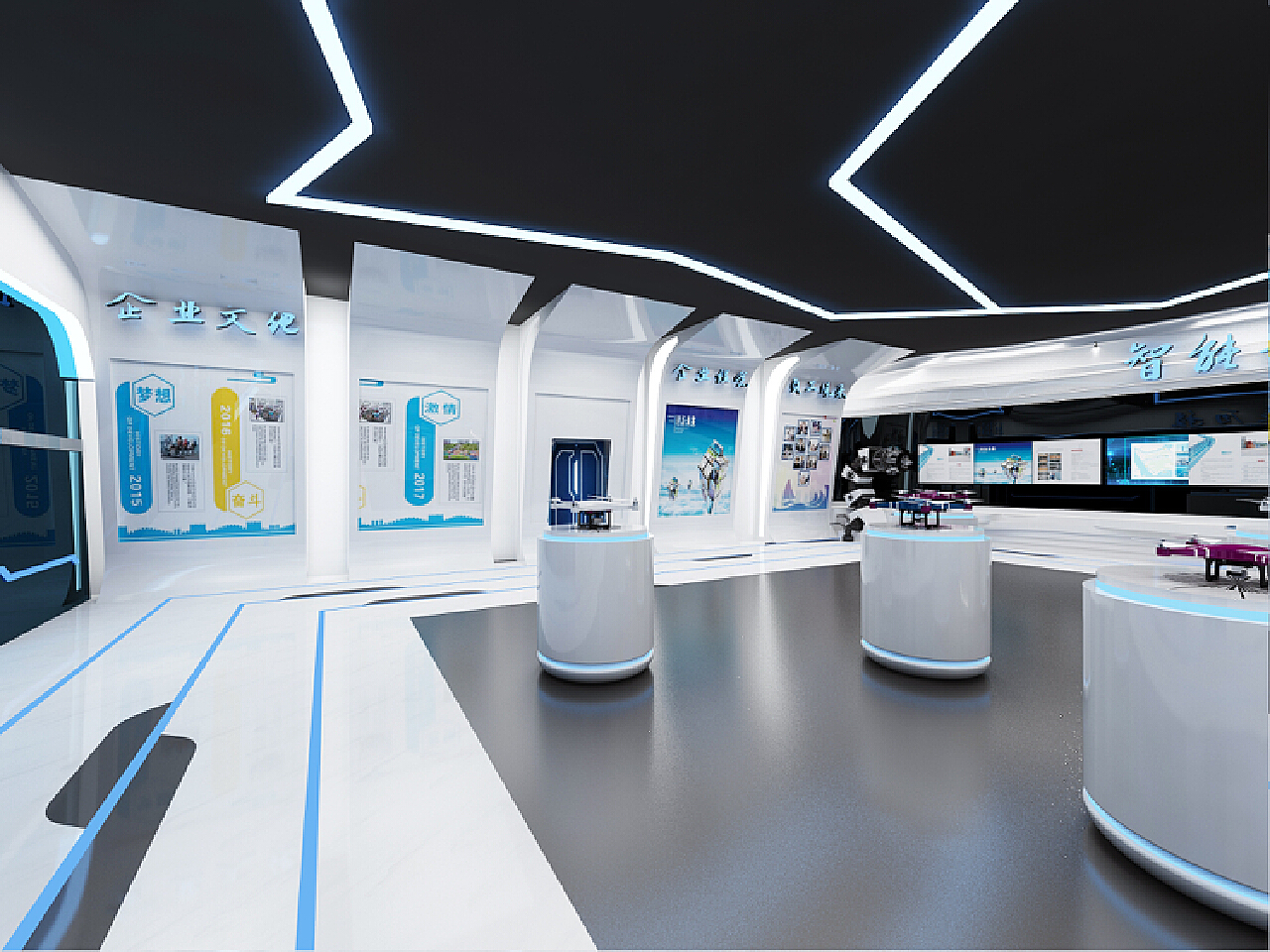
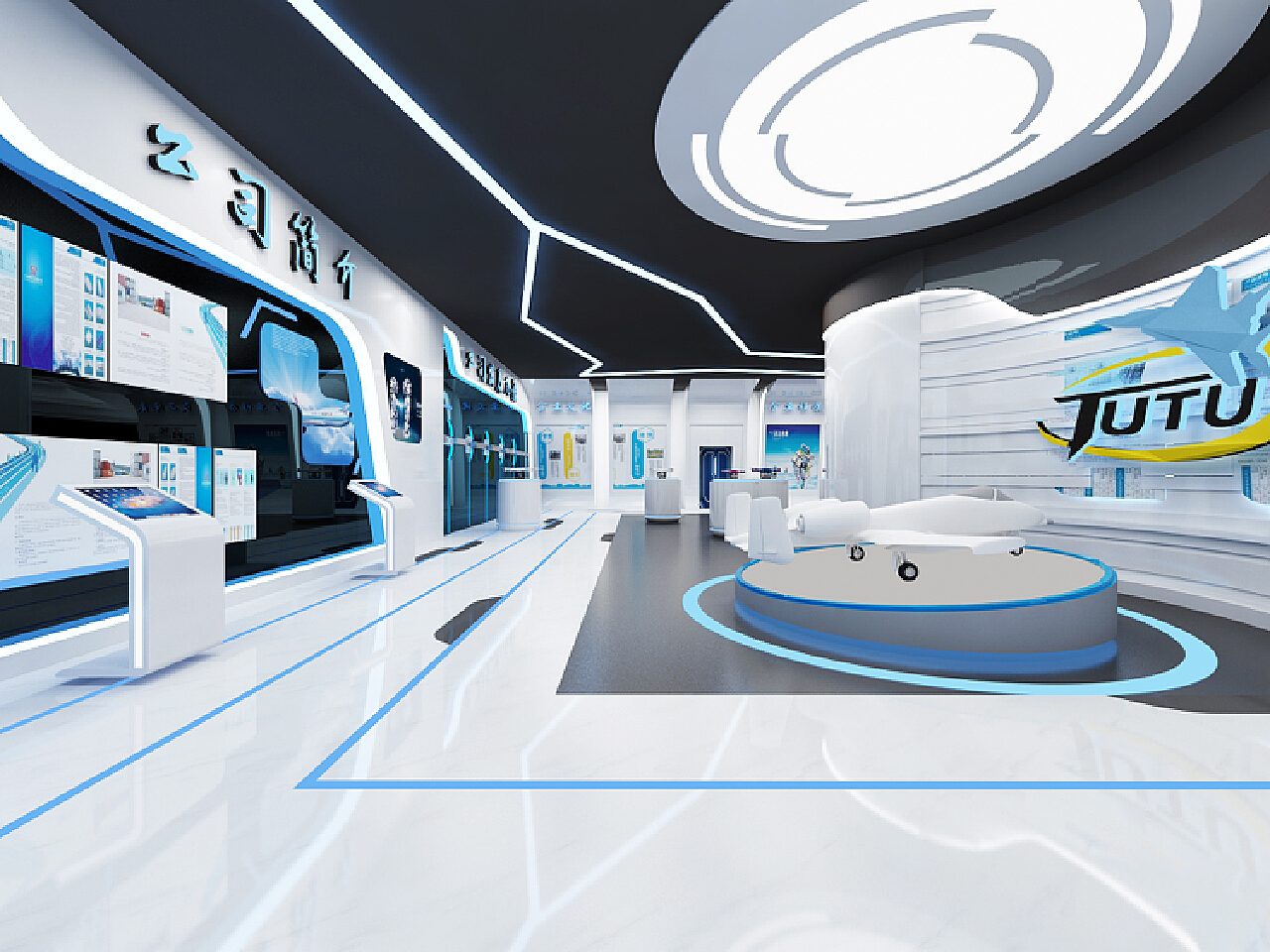
Design of Maintenance Service Area
The maintenance workbench is made of white fireproof board, with a clean and tidy surface, which is convenient for maintenance personnel to operate and place tools and parts. An adjustable blue desk lamp is installed above each workbench, which can accurately illuminate the maintenance area and provide appropriate light. The workbench is equipped with professional maintenance tools, such as screwdriver sets, welding tools, testing instruments, etc., which are neatly stored in blue tool boxes and marked on the tool boxes for quick access.
An accessory storage cabinet is set up on one side of the maintenance area. The cabinet is made of dark blue metal and the cabinet door is made of transparent glass, which is convenient for maintenance personnel to check the storage of internal accessories. The interior is layered with partitions to classify and store drone accessories of different types and models, and detailed labels are affixed to facilitate quick search and replenishment of inventory.
Decorative Details
Lights and Light Strips
Install blue light strips around the drone body, and use advanced COB technology to tightly integrate high-brightness ice-blue lights to outline the body contour, making the drone's appearance more clearly recognizable when flying at night, adding a sense of technology and coolness. Install small blue LED lights above the ceiling. When the propeller rotates, a blue aperture or light strip is formed, just like the aircraft thrusters in science fiction movies, enhancing the visual effect.
Technology Theme Posters
Post posters of drones or related content on the wall, and use some common technology symbols and logos for painting or sticker decoration, such as Bluetooth logo, Wi-Fi logo, GPS logo, battery logo, etc., to indicate the advanced functions of the drone. Electronic
Display Screens
Install some electronic display screens in the store to display flight parameters, map navigation, shooting pictures and other information. The border of the display screen can be made of blue decorative strips to unify the overall style. Set up a touch interactive panel, and users can control the flight, shooting and other functions of the drone through touch operations. Some blue indicator lights or icons can be designed on the panel to facilitate users to identify during operation.